Separate tracking, dispatch and maintenance
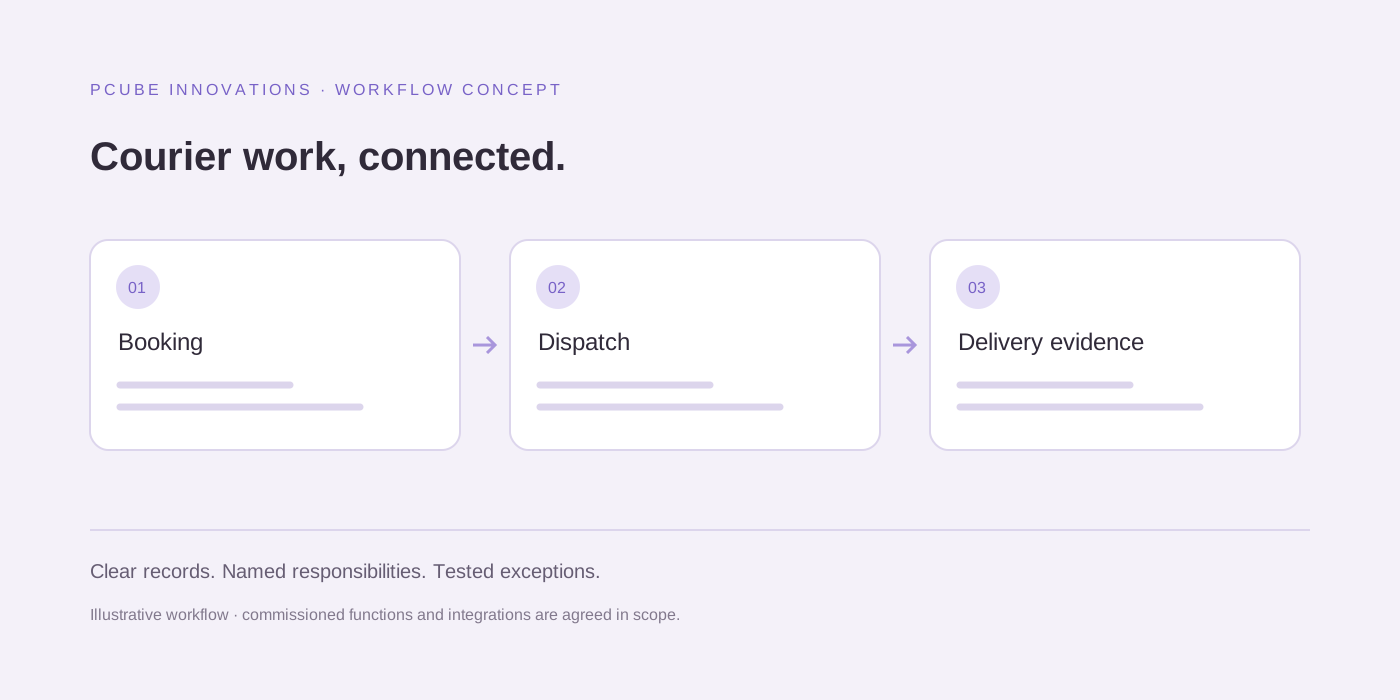
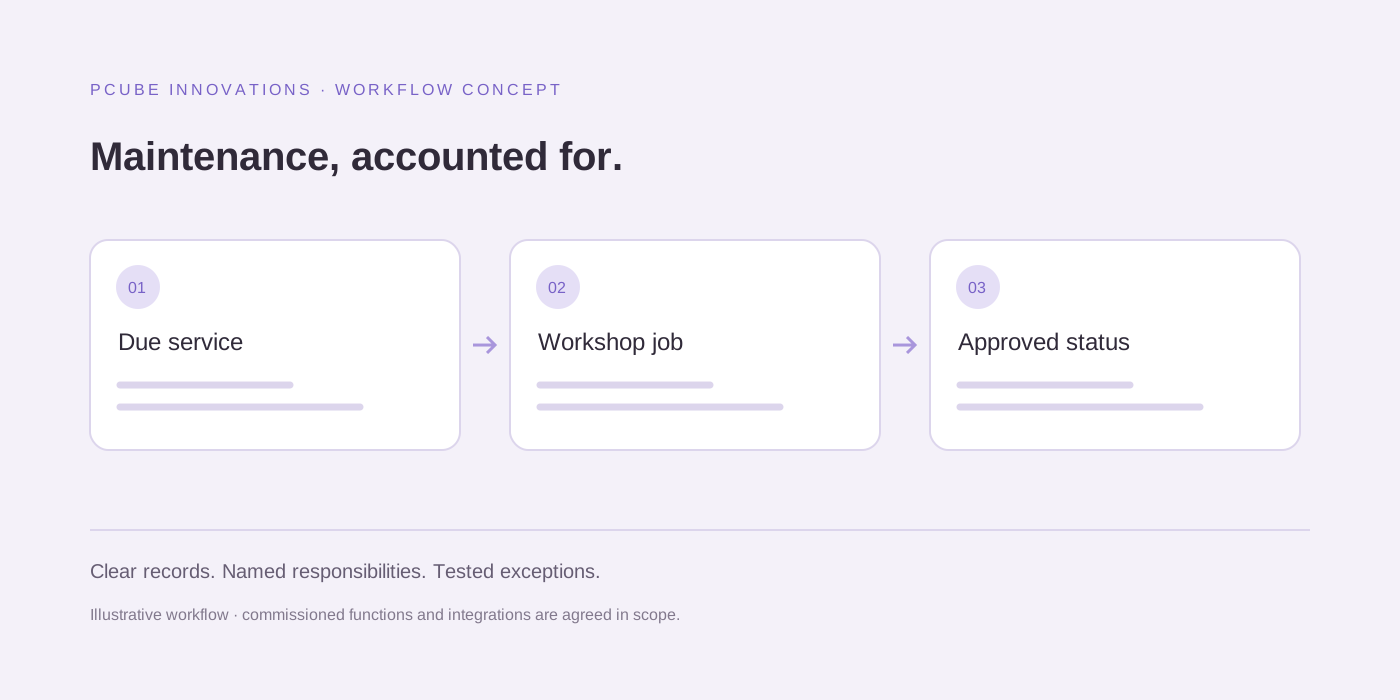
Tracking describes vehicle activity or location from a supported data source. Dispatch assigns operational work and records its progress. Maintenance follows services, defects and workshop outcomes. A single product may cover several areas, but a feature name does not establish how well those handovers work for your team.
Start with your current tracker and the permissions available to your business. Replacing useful installed equipment is a different decision from connecting an existing provider to an operational dashboard. Require a working access review before treating an integration as included.
Compare realistic options instead of a universal winner
Use three possible approaches as a planning shortlist: an existing fleet platform, an operational layer connected to current providers, or a focused custom workflow. These are solution categories, not tested vendor rankings. Ask each supplier to demonstrate your own dispatch and maintenance scenarios.
| Approach | What to establish | Cost and setup questions |
|---|---|---|
| Existing fleet platform | Current modules, device compatibility and account access | Hardware, subscription units, onboarding and exports |
| Operational integration | Supported feeds and ownership of tasks and records | Provider access, middleware, reconciliation and support |
| Focused custom workflow | Users, exception handling and acceptance criteria | Development scope, hosting, training and ongoing changes |
Use one cost horizon for every quotation
Record the vehicle count, active users, hardware assumptions and planning period beside each quote. Separate setup, migration, training and recurring charges. Check how a supplier prices an additional depot, vehicle or user instead of comparing only the starting subscription.
Ask about support during your operating shifts, failed data updates and the recovery process. A low subscription and an expensive undocumented integration can be a different purchase from the one the headline price suggests. No price table is provided here because comparable current supplier quotations have not been obtained.
Pilot the exceptions before expanding
Select representative vehicles and users. Test a missing location update, a reassigned delivery, an overdue service input and a defect that remains unresolved. Record whether staff can see the problem and who is responsible for the next action.
For growth from a smaller fleet toward 100 vehicles, agree the records, permissions and operational volume that the pilot must represent. PCube can assess a custom workflow or supported integration, but fleet size alone does not determine suitability or establish guaranteed savings.
Useful questions
Can this guide help us prepare a software development brief?
Yes. Describe your users, records, operating rules, existing systems and exceptions, then use the worksheet to compare available products and a scoped development approach.
Does this guide establish the best product or a fixed market price?
No. This is an editorial decision framework, not a hands-on vendor benchmark or current price survey. Ask suppliers for comparable demonstrations and written quotations for your actual requirements.
Sources and further reading
Reuse and attribution
Reuse the original blank PCube workflow evaluation worksheet under CC BY 4.0 with attribution and a note of changes. Third-party documentation and provider content are excluded.
Suggested citation: PCube Innovations editorial. “Fleet software for 20–100 vehicles in South Africa: compare setup, cost and scalability”. Updated 20 October 2026. https://pcubesolution.com/blog/fleet-software-20-100-vehicles-south-africa.