Check the customer journey before scoring the technology
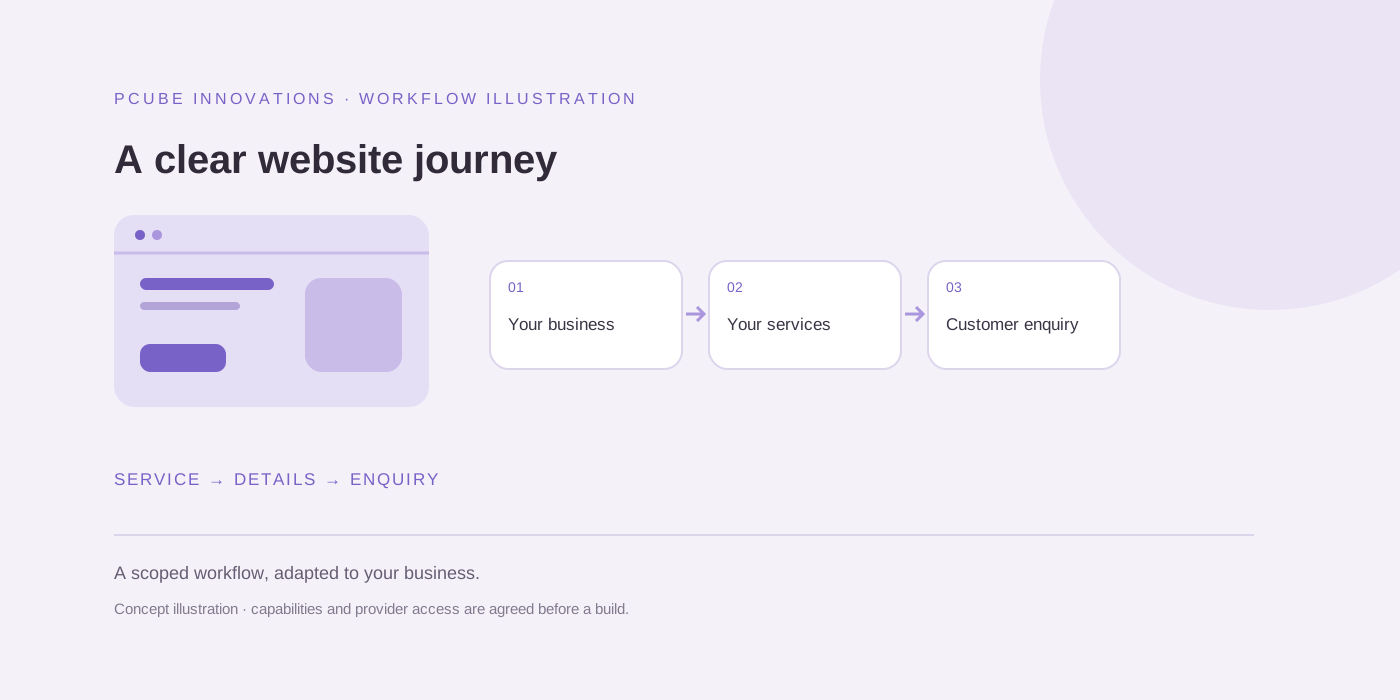
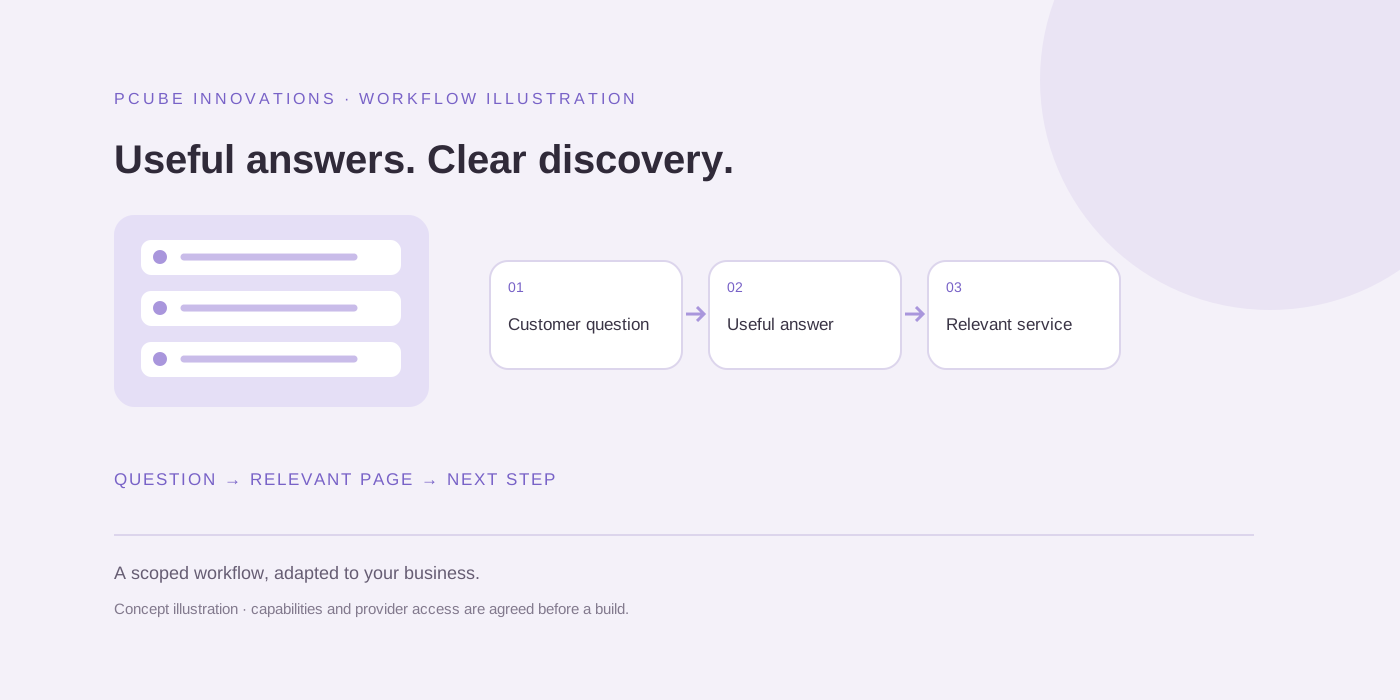
Open the website on a phone and identify the offer, the intended customer and the next step. A service business needs enough information for a useful enquiry. A shop needs a clear route from product discovery to the order process. A teacher SaaS product needs to explain the task and how someone can assess it.
Our public snapshot covers education, career guidance, gifting, headwear, specialist healthcare, business-profile services and teacher software. Those are different journeys. A common checklist helps organise observations but does not imply that the sites should all have identical screens.
Separate visible evidence from unavailable checks
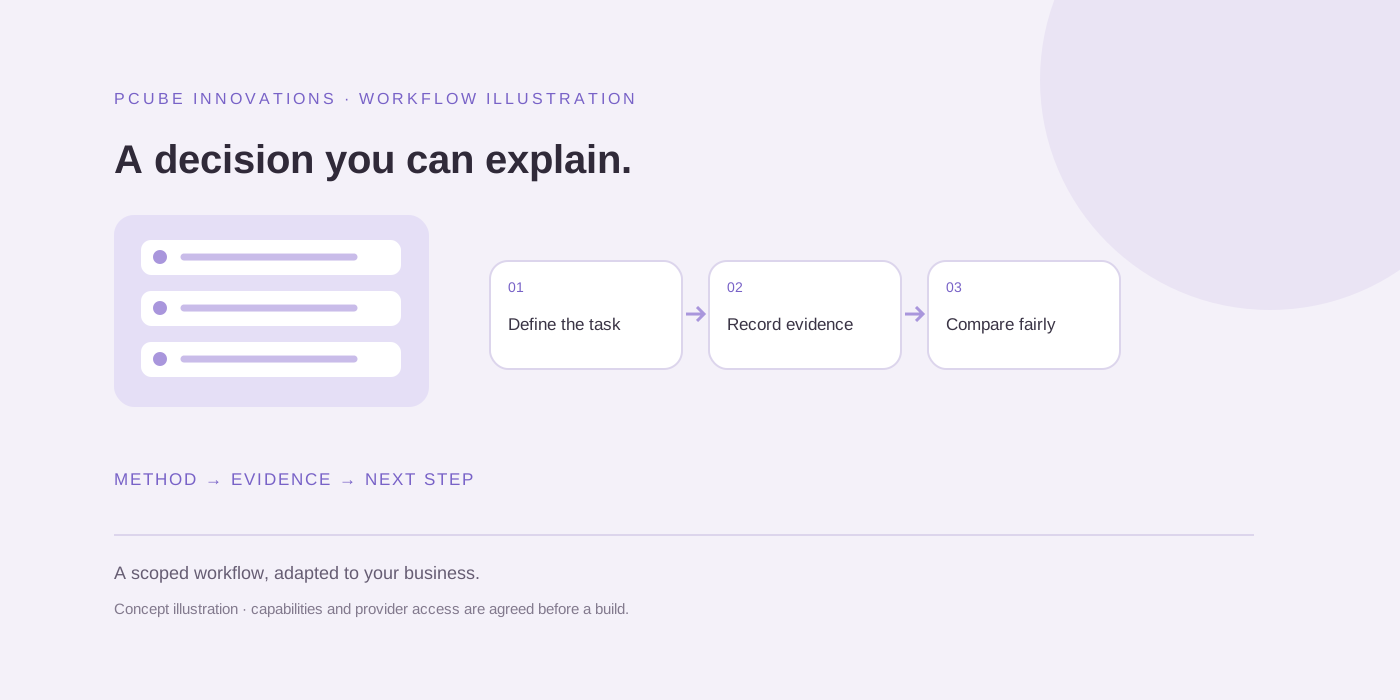
A visible booking button establishes an entry point; it does not prove a booking succeeded. A product card establishes public catalogue information; it does not establish fulfilment reliability. A pricing page does not establish account entitlement or generation quality.
Record “not checked” when a task requires login, permissions or a real transaction. Do not silently count it as a pass. This makes the checklist useful to a future reviewer who needs to understand the scope of the observation.
| Observation | What it establishes | What it does not establish |
|---|---|---|
| Public page returned HTTP 200 | The page responded during capture | Continuous uptime or search indexing |
| Enquiry action visible | A route to contact is present | Successful delivery or sales |
| Website screenshot captured | The rendered interface at that time | Private features or customer outcomes |
A small dataset with explicit limits
The downloadable snapshot records eight domains, capture timestamps, page titles and public-page response status. The sample was selected from PCube’s owner-supplied portfolio, not randomly from the web. Availability and content can change after capture.
Researchers may use the original checklist or snapshot with the attribution terms below, while retaining the date and method limitations. The third-party sites and their screenshots remain separate source materials. This resource does not promise citations or backlinks.
Use the checklist to choose the next improvement
Record the URL, date, device, observation and next action for each check. Assign an owner to confirmed problems. Use our website health checker for a bounded source review, then combine that result with a real customer-journey check.
Review the most important service, product and contact journeys after launch or a major change. Keep notes so a later reviewer can distinguish a repaired issue from one that was not checked.
Useful questions
Can I cite or reuse the checklist?
Yes. The original PCube checklist and curated snapshot are offered under CC BY 4.0 with attribution and change notices. Third-party screenshots and source websites are excluded.
Does the snapshot show which website ranks best?
No. It records a limited public interface capture. It does not measure rankings, market share, conversions or comparative quality.
Sources and further reading
Reuse and attribution
You may reuse the original PCube checklist or blank evaluation template under CC BY 4.0 with attribution to this page and a note of changes. Third-party screenshots, logos, quoted material and linked provider content are excluded.
Suggested citation: PCube Innovations editorial. “A small business website audit checklist you can download and reuse”. Updated 17 October 2026. https://pcubesolution.com/blog/small-business-website-audit-checklist.