A clip and a campaign have different requirements
A training explainer, social clip and product advert may share editing tools but have different acceptance criteria. An explainer needs a comprehensible sequence. A product advert needs the right offer and an accurate representation of what the customer can buy.
Adobe Firefly documents video generation from text or image prompts. That makes it an example of a generation tool to investigate, not evidence that a complete advert can be published without script review, editing or rights checks.
| Question | General video workflow | Product-ad workflow |
|---|---|---|
| What is the goal? | Explain, illustrate or tell a story | Present a specific offer to a defined audience |
| Which inputs matter? | Script, storyboard and reference assets | Approved product assets, offer and brand rules |
| What must be checked? | Scene consistency, captions and meaning | Product fidelity, claims, CTA and platform format |
Write an acceptance brief before generating
Specify the intended audience, approximate duration, required format, approved facts and prohibited changes. When a product image is used, decide which details must remain accurate and which background changes are acceptable.
Plan narration, captions, music and any recognisable person or voice. Confirm permission and licence terms with the relevant provider and rights holders. Generated media does not automatically remove those responsibilities.
Count review and rejected output
Record the provider, date, input version and number of attempts. Note issues such as malformed text, inconsistent products, misleading claims or audio that does not match the brief. Count the edits needed to make a result acceptable.
The downloadable scorecard is blank. It is designed to support your evaluation, not to imply that a tool has received a tested quality score. Use the same brief when comparing providers and document the settings.
Where the Pika workflows fit
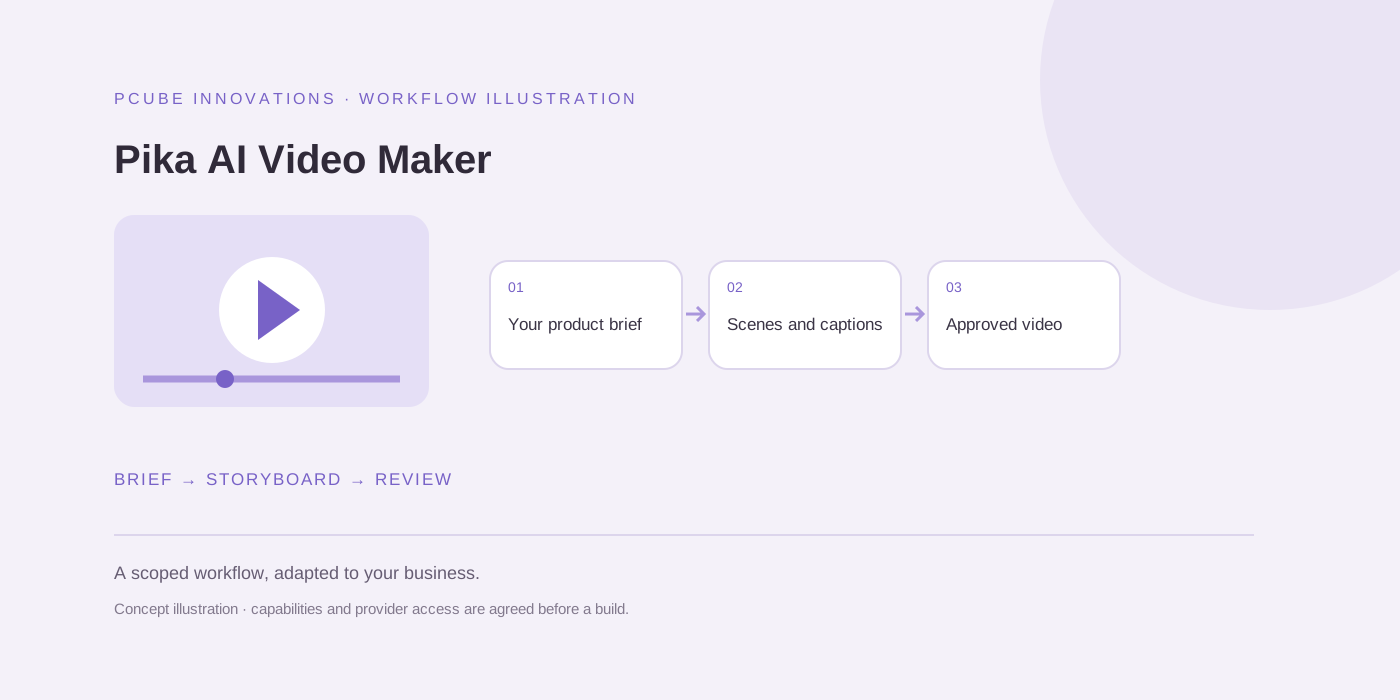
Pika AI Video Maker is available to scope around a broader script-to-video process. Pika AI Video Ad Maker focuses on product assets, campaign briefs and approval. Both are custom solution discussions with provider access and costs confirmed before a build.
If your existing editor already solves the task, that may be the starting point. A custom workflow becomes useful when teams need consistent briefs, several reviewers, version history or a supported connection to product information.
Useful questions
Can AI turn a product photo into an advert?
Supported tools can generate or animate media from an image, but product accuracy, approved claims, editing and final review still need to be checked.
Is a custom Pika video solution available?
Yes. We can discuss a scoped build around your inputs, approved providers, review controls and export requirements. No public trial or tested production subscription is advertised on these pages.
Sources and further reading
Reuse and attribution
You may reuse the original PCube checklist or blank evaluation template under CC BY 4.0 with attribution to this page and a note of changes. Third-party screenshots, logos, quoted material and linked provider content are excluded.
Suggested citation: PCube Innovations editorial. “AI video maker vs AI advert generator: what your business actually needs”. Updated 17 October 2026. https://pcubesolution.com/blog/ai-video-maker-vs-ad-generator.