Choose a task before choosing a subscription
Write down a task your team already performs, the input it receives and the output someone approves. Preparing a quote, replying to a routine enquiry and creating a product video have different requirements. One tool may help with a draft while another connects systems or prepares media.
For a small business, a useful pilot has a named reviewer and a clear boundary. Choose a task with representative examples you can lawfully use. Keep the existing process available while you learn where the new workflow needs correction.
| Task | Tool category | What to check |
|---|---|---|
| Draft a client email | Writing assistant | Accuracy, tone and approval before sending |
| Create a product visual | Design/media tool | Product fidelity, brand consistency and rights |
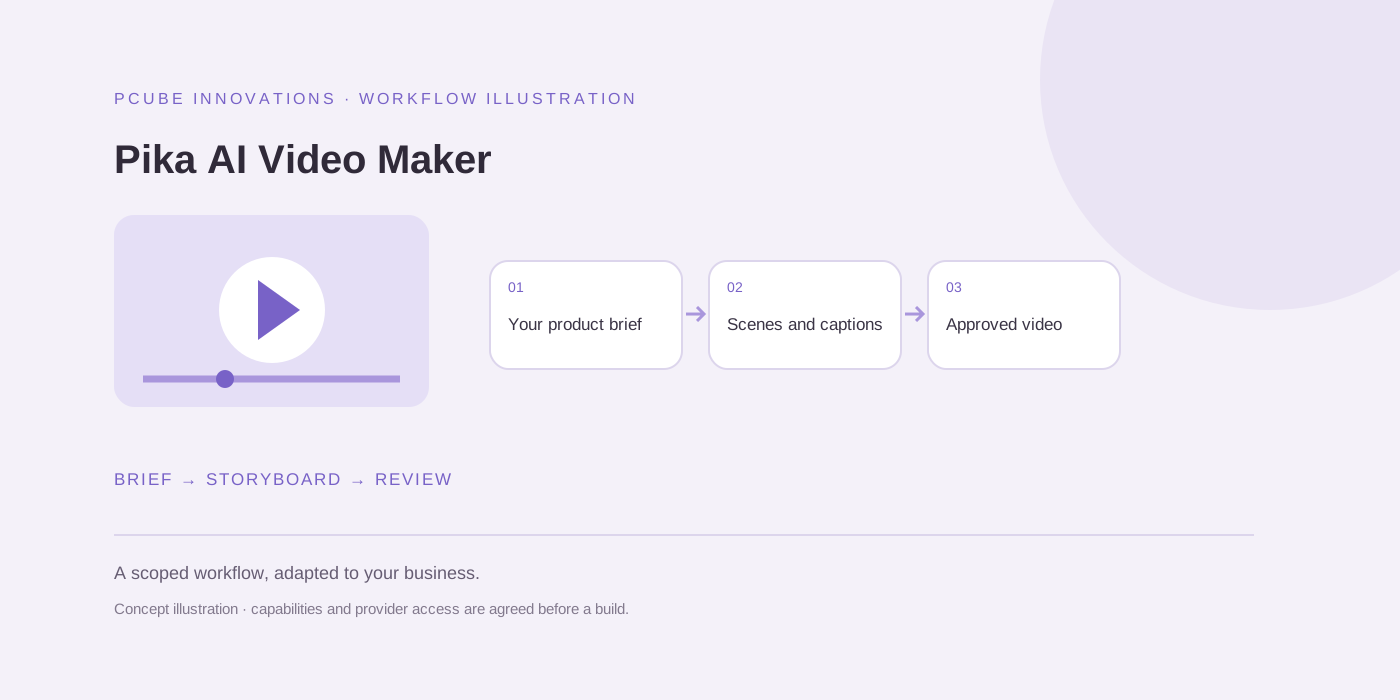
| Create a short video | Video generator and editor | Script, scene consistency, captions and export |
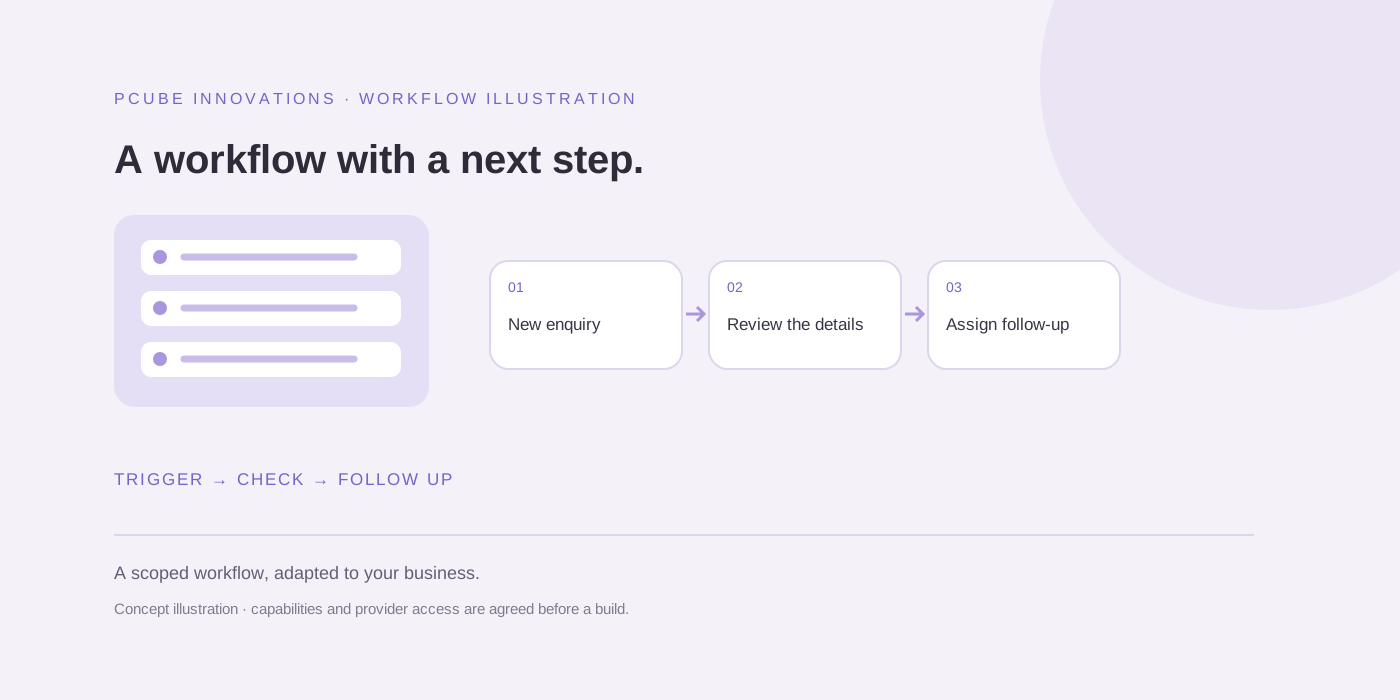
| Connect enquiries to follow-up | Workflow automation | Supported integrations, retries and ownership |
Examples to investigate, without a universal winner
Microsoft describes Copilot for Business as working with Microsoft 365 apps and work data. Canva lists design, editing and AI media features. Adobe Firefly describes text- and image-led video generation. Make describes visual workflows and application integrations. These first-party descriptions identify possible categories to investigate; they do not establish that any product is the best fit for your account, country, budget or data.
Check the current plan, entitlement and supported regions directly with the provider. A product you already subscribe to may cover the first task, while a custom integration may be justified when approvals, records and exceptions span several systems.
Measure the work after generation
A fast first draft can still require extensive checking. Record preparation time, review time, retries and the edits needed before an output is acceptable. Separate a correctly completed task from a plausible-looking draft.
For video, check product shape, text accuracy, voice permissions and the final mobile format. For a customer reply, check that the answer comes from approved information and that uncertain cases reach a person. Test awkward inputs as well as ideal examples.
Keep a simple comparison record
Use the downloadable scorecard to record the task, provider, date, sample identifier, review time, issues and acceptance decision. Leave unknown values blank rather than estimating results. Avoid putting customer names, confidential footage or sensitive documents in a shared research sheet.
When two options are compared, keep the brief and acceptance criteria consistent. Record any differences in plan, model or settings that could affect the result. PCube can help scope a workflow around those requirements, including integrations and a human approval step.
Useful questions
What is the best AI tool for a small business?
There is no single best option for every task. Compare tools using your actual inputs, review effort, permitted data use, integrations and total running costs.
Do I need custom AI software straight away?
Not necessarily. A supported existing tool may meet an initial need. A custom build is worth assessing when your workflow needs specific records, integrations or approval controls.
Sources and further reading
Reuse and attribution
You may reuse the original PCube checklist or blank evaluation template under CC BY 4.0 with attribution to this page and a note of changes. Third-party screenshots, logos, quoted material and linked provider content are excluded.
Suggested citation: PCube Innovations editorial. “AI tools for South African small businesses in 2026: a practical selection guide”. Updated 17 October 2026. https://pcubesolution.com/blog/ai-tools-small-business-south-africa-2026.