1. Import an order with a duplicate or missing field
Prepare a small approved test dataset with one valid order, one duplicate and one incomplete address. Ask the demonstrator to show validation, correction and the resulting record.
Record whether staff can see why a record failed and who owns the correction. Do not use identifiable customer data in a sales demo without an appropriate approved arrangement.
2. Receive stock and resolve a discrepancy
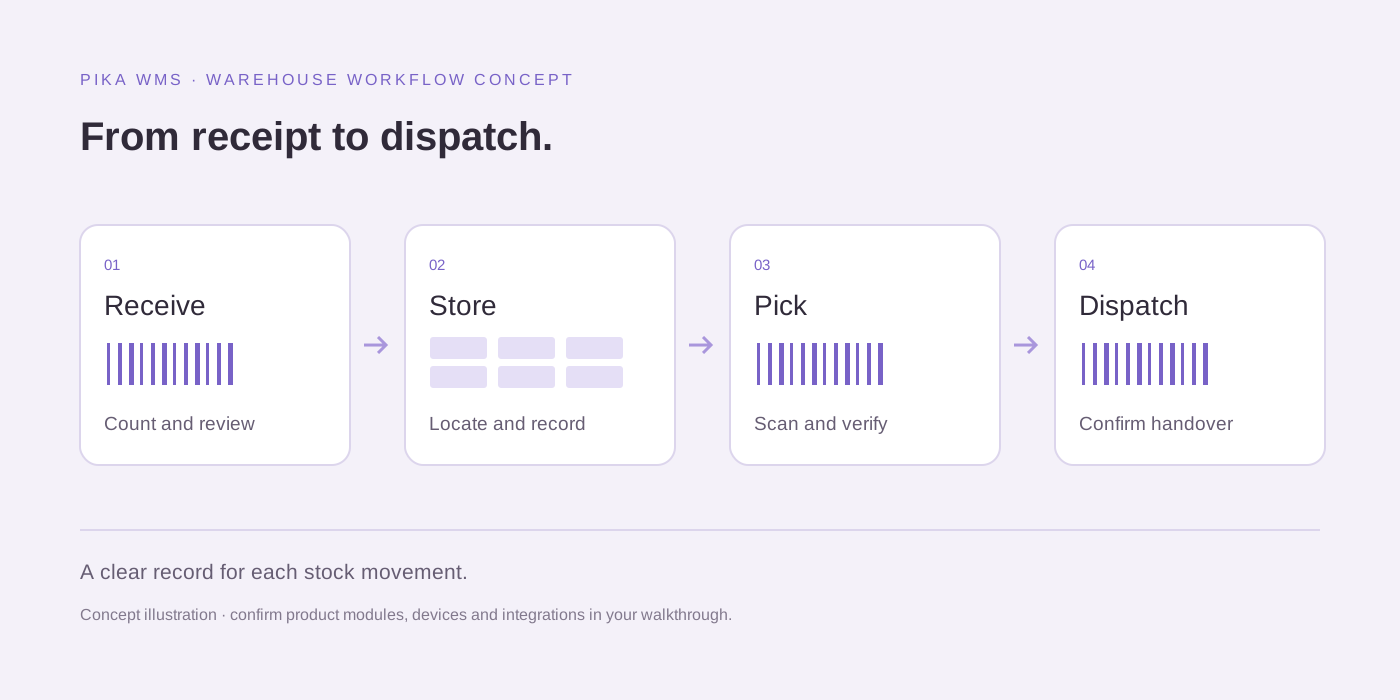
Demonstrate receiving an expected quantity with a short delivery or damaged item. Follow the effect on available stock and the exception record.
If barcodes or logistics-unit identifiers matter to the operation, test your own approved label examples and devices. Standards compatibility and actual scanner behaviour should be checked rather than inferred from a barcode icon.
3. Pick and pack an order with unavailable stock
Choose an order with one item unavailable in the requested location. Ask how the system handles a short pick, alternate location or authorised change.
Record who can override a decision and how the warehouse and dispatch teams see the same state. Include units of measure and any batch or serial requirements in your own brief.
4. Allocate dispatch and handle reassignment
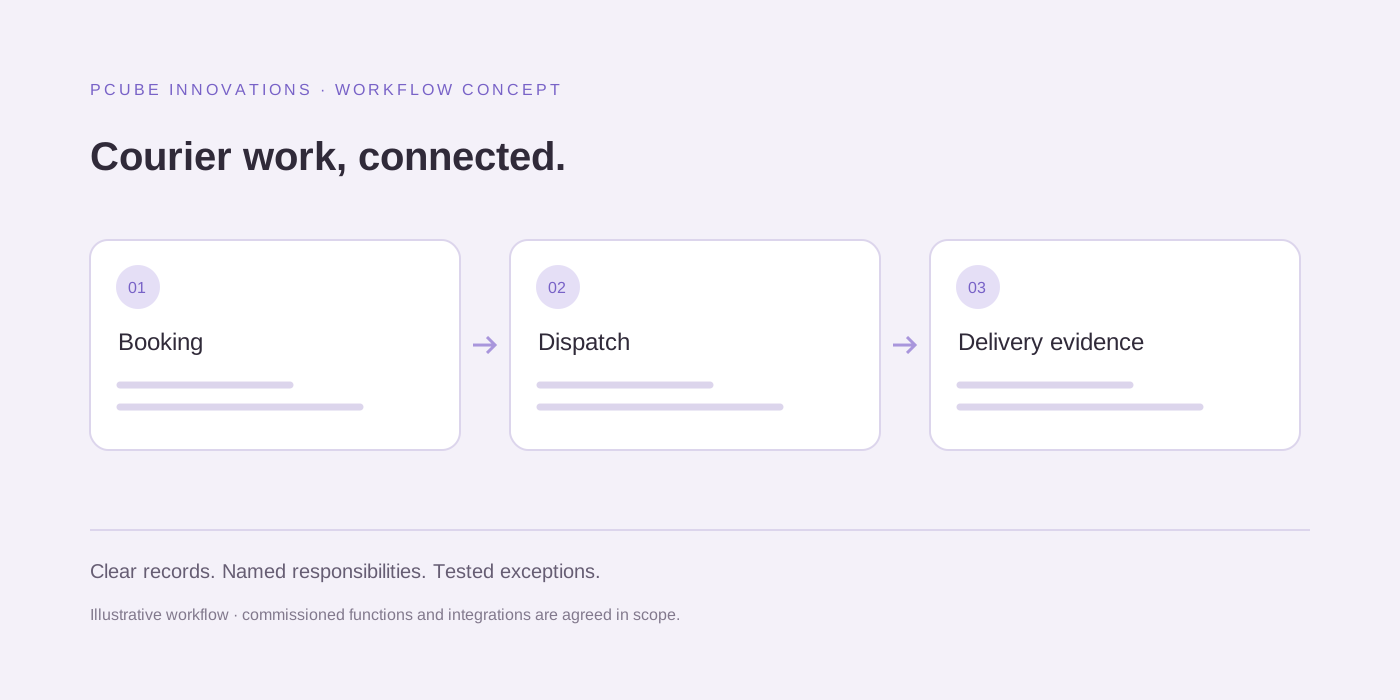
Assign a test shipment to a courier or driver, then change the assignment. Inspect the status history and how each affected team learns about the change.
For a Kempton Park operation with Johannesburg and other delivery areas, use a representative workload. Confirm required carrier integrations individually; an internal dispatch workflow does not imply every external carrier is connected.
5. Test the driver’s actual working conditions
Demonstrate the intended mobile workflow on representative devices and discuss connectivity interruptions. Ask what can be completed, what must wait and how synchronisation failures are resolved.
Do not assume offline behaviour, platform support or location accuracy from a dashboard screenshot. Record the supported configuration and any dependencies in the proposal.
6. Follow tracking and a failed delivery
Show the customer-facing status and then simulate an unsuccessful delivery. Ask who records the reason, decides the next action and receives an update.
Distinguish a location observation, a delivery estimate and a confirmed delivery event. Check permissions so a customer can see their shipment without gaining access to another customer’s records.
7. Review proof of delivery and a dispute
Demonstrate the available proof-of-delivery record and its connection to the shipment. Ask how authorised staff retrieve it and investigate a correction or dispute.
Confirm which evidence types, retention settings and access controls meet your requirements. A visible proof-of-delivery feature does not itself establish a particular contractual or legal outcome.
8. Return an item and reconcile the charge
Run a test return through inspection, stock disposition and the related billing workflow. Compare the record seen by warehouse, customer service and finance.
Use a concrete expected result for the credit or adjustment. Ask which parts are native, which require configuration and which depend on an accounting integration or a manual approval.
9. Export records and confirm implementation responsibilities
Request an example export, the user-role setup and an implementation plan covering migration, training, support and acceptance tests. Compare setup and ongoing costs over the same period.
PCube reports that Pika Logistics OS has live order intake, Pika WMS, dispatch, driver app, tracking, proof of delivery, returns, billing and customer portal modules. Its owner-reported 946-feature count is not an independently audited comparison. Request a scoped demonstration to verify your required workflows rather than selecting software by the largest number.
Useful questions
Does this checklist rank Pika above other software?
No. It supplies common test scenarios for a like-for-like evaluation. PCube is the Pika supplier; compare demonstrated workflow fit, implementation requirements and agreed costs before choosing.