Define the enquiry you want to organise
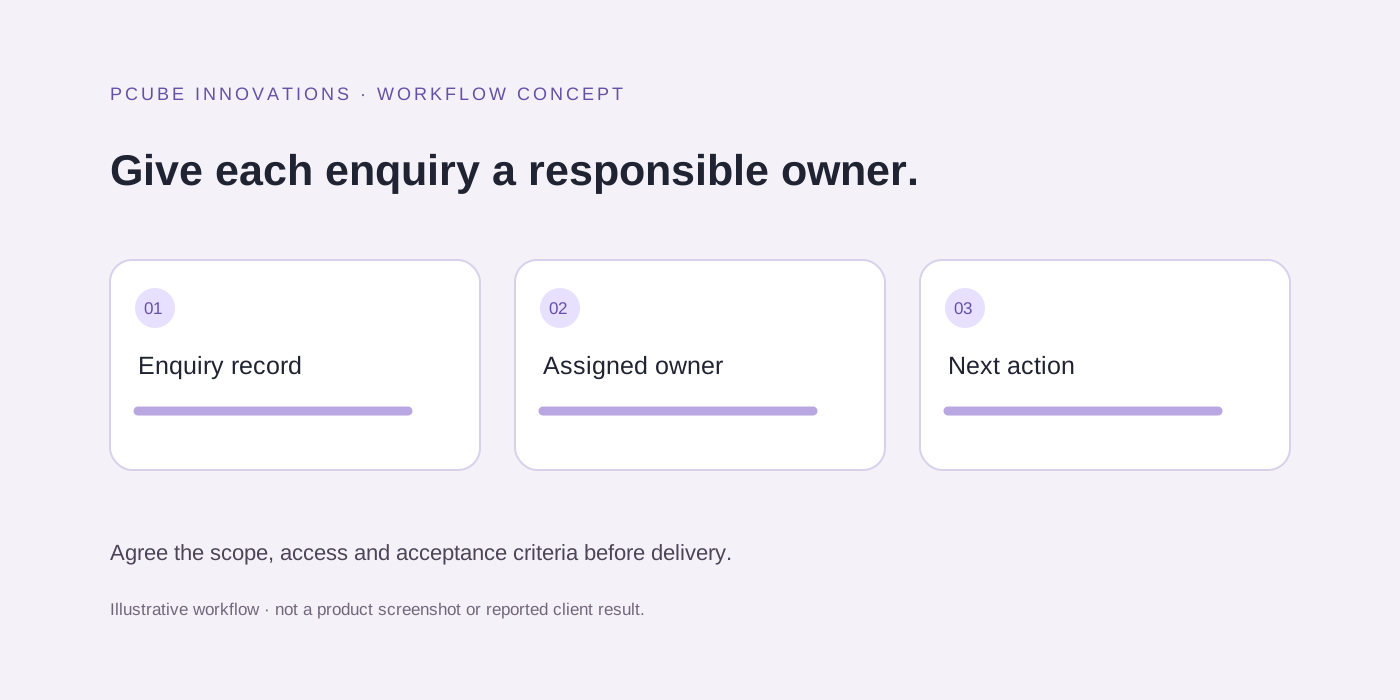
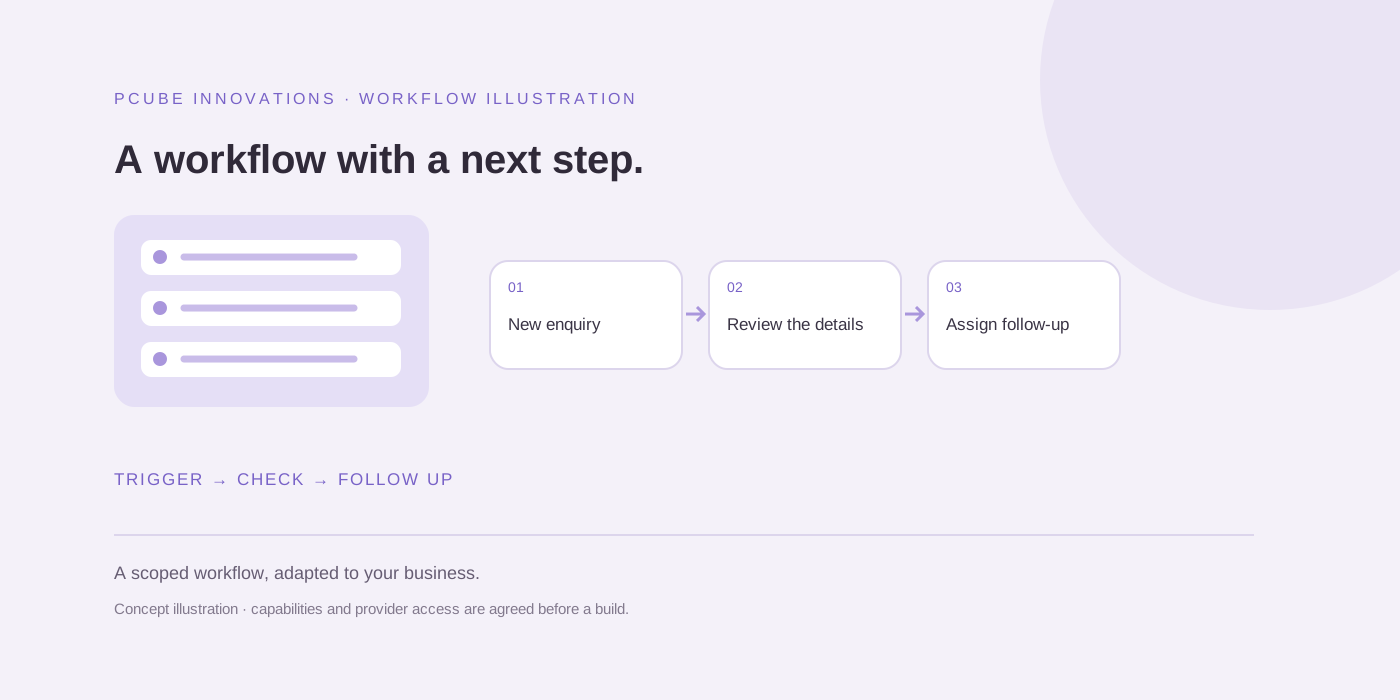
Identify what customers ask, what information the team needs and who should respond. A useful first workflow can collect a service request and assign it with context.
A click-to-chat website link and a connected messaging workflow are different scopes. Confirm which capability your business actually needs before choosing an integration.
Use an approved integration route
Plan integrations through official WhatsApp Business Platform capabilities and an appropriate provider. Confirm account requirements, permitted message types and current charges before development.
Do not use browser scripts or unofficial account automation. Keep the proposed message flow subject to the provider’s current rules and the customer’s applicable consent requirements.
Keep a clear route to a person
Offer escalation when the customer asks, when the request is outside the approved flow or when confidence is insufficient. The staff handover should include the conversation context and collected details.
Set boundaries for automated answers. Prices, promises and sensitive advice should come from approved information and the business’s responsible staff.
Test realistic exceptions
Test incomplete requests, repeated messages, opt-outs, failed delivery and unavailable staff. Agree how errors become visible and which actions the automation must stop taking.
Review the resulting lead record with the people who will use it. Capturing more fields is only helpful when those fields improve the response.
Agree the operating rules before launch
Use the current WhatsApp Business Messaging Policy as an implementation input. Confirm permissions, opt-outs, supported message types and provider charges for the proposed flow. Account access and platform rules must be checked before promising a specific connection.
An illustrative flow asks which service is needed, captures the minimum enquiry details and creates a staff task. It does not invent prices, confirm unavailable appointments or continue messaging after a customer opts out. Keep customer information out of public debugging logs.
Useful questions
Can automated messages always be sent to any contact?
No. Messaging must follow applicable consent requirements, official platform rules and provider capabilities. Confirm the intended message flow before implementation.