THE STARTING POINT
Begin with the identifiers and evidence that must survive each handoff: item, owner, location, order and exception. Name the authoritative system, the person who approves corrections and the reconciliation check. Confirm product functions in a demonstration before describing them as included.
Agree the source of each identifier
Take a small set of representative records and document the item code, stock owner, unit of measure, location and order reference. Decide which system creates each identifier and what happens when two systems disagree. A warehouse should not silently combine stock that belongs to different clients.
An existing barcode is only useful when the lookup resolves to the right item and unit. Confirm labels, scanners, connectivity and supported formats in your own environment rather than assuming any scanner works with every system.
Give discrepancies an owner
Define what staff do when the delivered quantity differs from the expected quantity, a location cannot be found or an item cannot be picked. Record the original reference, observed condition, evidence and approval needed for a correction.
Treat a failed integration as an operational exception as well. Agree how the team sees it, which retries are permitted and how duplicate orders or stock movements are prevented. These are requirements to validate, not claims about a deployed system.
Pilot a complete journey before expanding
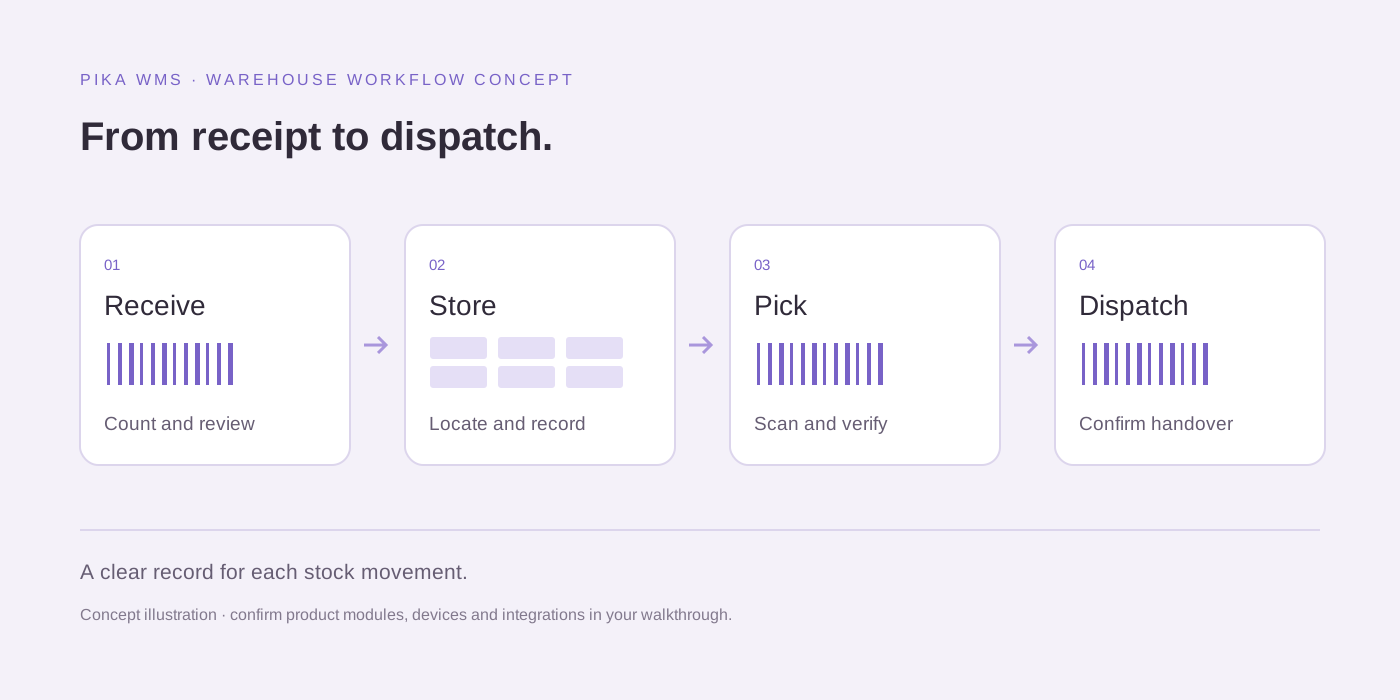
An illustrative pilot follows a controlled receipt, a location movement, a pick, a dispatch and a return. Compare the starting balance, accepted movements and ending balance using agreed reference records. Include a deliberate discrepancy and a failed update in the test plan.
Ask for a product walkthrough of Pika WMS against these cases. Record demonstrated functions, configuration needs, unsupported cases and separate custom-development work. Do not sign off a planned module as an available feature.
Document the operating handover
Assign responsibility for access, imports, failed updates, stock corrections and exports. Confirm who can change operational rules and what audit evidence must be retained. Agree the support route and hours in the actual contract.
Keep the pilot checklist and acceptance results with the project record. If requirements change, update the test case and rerun the affected journey rather than assuming a successful previous test covers the new condition.
PUT IT INTO PRACTICE
Your first-release checklist
- Identify item, owner, order and location sources.
- Document discrepancy approval and failed-update handling.
- Confirm scanner and label compatibility in a demonstration.
- Reconcile opening stock, movements and closing stock.
- Separate demonstrated functions from custom development.
What to measure
Start with your own baseline. These are definitions for your team to track, rather than promised improvements or industry benchmarks.
- Reconciliation difference
- The difference between expected and observed ending balances for the controlled pilot records.
- Unresolved exception count
- Pilot discrepancies without an assigned owner or documented resolution.
Useful questions
Is this a product comparison?
No. It is an operational acceptance checklist. Use current product demonstrations and scoped quotations for a purchasing comparison.
Explore the service approach for warehousing & fulfilment.
Practical guidance from PCube Innovations. Examples are illustrative. Platform features and your requirements can change; confirm the details before choosing a solution.