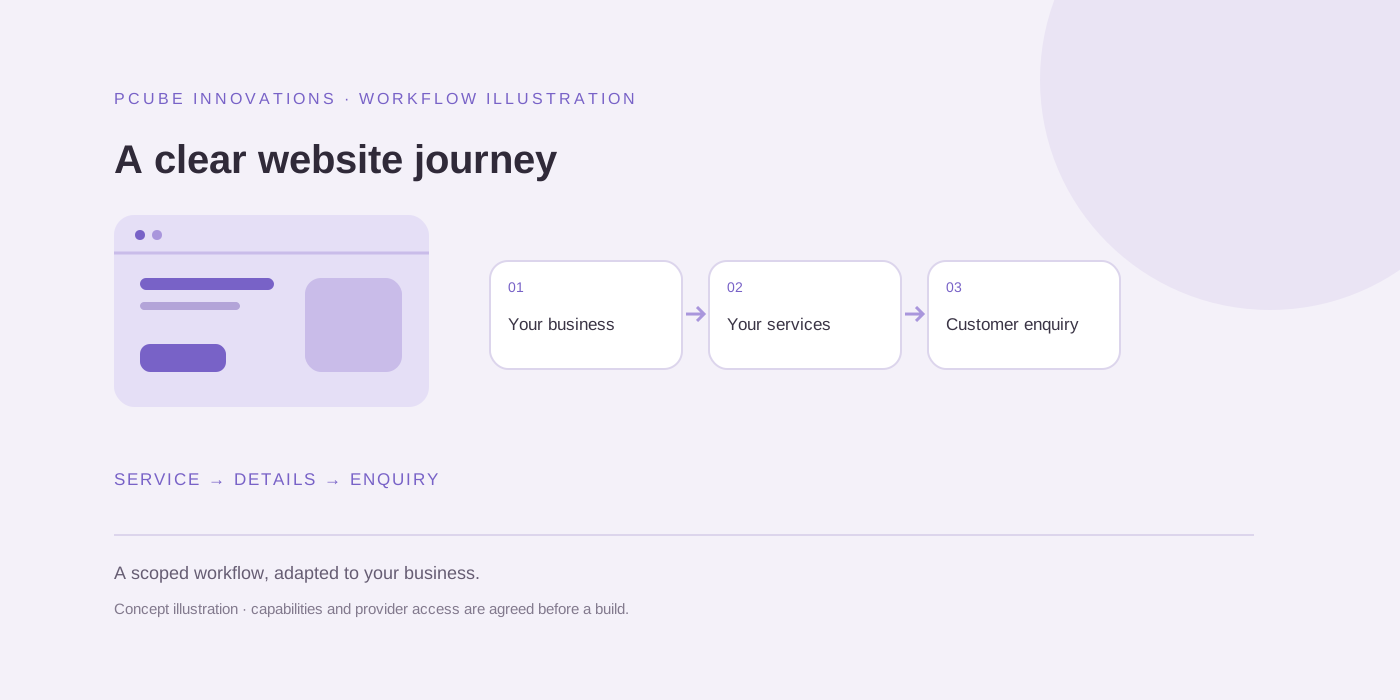
1. The first screen does not explain the offer
Ask someone unfamiliar with your company what you sell, who it helps and what to do next after viewing the homepage for a few seconds. Record their answer before explaining the business. If they describe a technology rather than the service they can buy, rewrite the introduction.
For a Johannesburg retailer, “an online shop with product management and checkout” gives a clearer starting point than “digital transformation”. Keep a focused link to the relevant service beside the explanation.
2. The page attracts the wrong visitor
Read the queries and landing pages in Search Console together. Someone researching a free template may want information rather than a development quote. An informational visit can still be useful, but it should not be counted as a failed sales opportunity automatically.
Compare South African traffic with the intended service area. Use GA4 engagement and completed enquiries to investigate the visits; search impressions alone describe exposure before the person arrives.
3. Customers cannot assess scope or cost
Explain the deliverables, what the customer supplies and which charges recur. If the project needs discovery, say what information is needed for a quotation rather than hiding the buying process.
A Cape Town business comparing website proposals may need to know whether product uploads, content writing, hosting and maintenance are included. Link to current package details and identify exclusions instead of presenting an undefined bargain.
4. The evidence does not match the service
Show relevant work, describe your actual contribution and link to a public example where permission allows. A screenshot is evidence of a visible page; it is not evidence that the project increased sales.
Use client-approved quotes when available. Explain a useful project decision when outcome data is unavailable, and let the visitor assess a related case study before contacting you.
5. The mobile journey makes contact difficult
On a phone, open a service page, find the enquiry link and complete the form with test details in a safe test environment. Check the keyboard, labels, required fields, consent and the success or failure message.
Measure loading, responsiveness and visual stability as well as checking appearance. A fast homepage cannot compensate for a quote form that loses the customer’s input after an error.
6. The next step feels like a commitment without an explanation
Tell visitors what to include in an enquiry and what happens after submission. Ask for enough detail to respond, while keeping discovery questions that require a meeting out of the initial form.
Offer a visible business email for people who prefer to write directly. Do not promise a response time or local phone support that the business cannot consistently provide.
7. Enquiries happen but measurement misses them
Check that an analytics completion event represents a successfully delivered enquiry rather than a button click or form focus. Email links and form starts are useful supporting events, but they are different actions.
Compare form delivery records with consented analytics events. Configure the appropriate completion events as GA4 key events, and review results over a meaningful period before attributing a change to a redesign.
Useful questions
Should I buy ads if my website has no enquiries?
Test the offer, contact journey and delivery tracking first. Then decide whether a controlled advertising test fits the budget and customer demand.